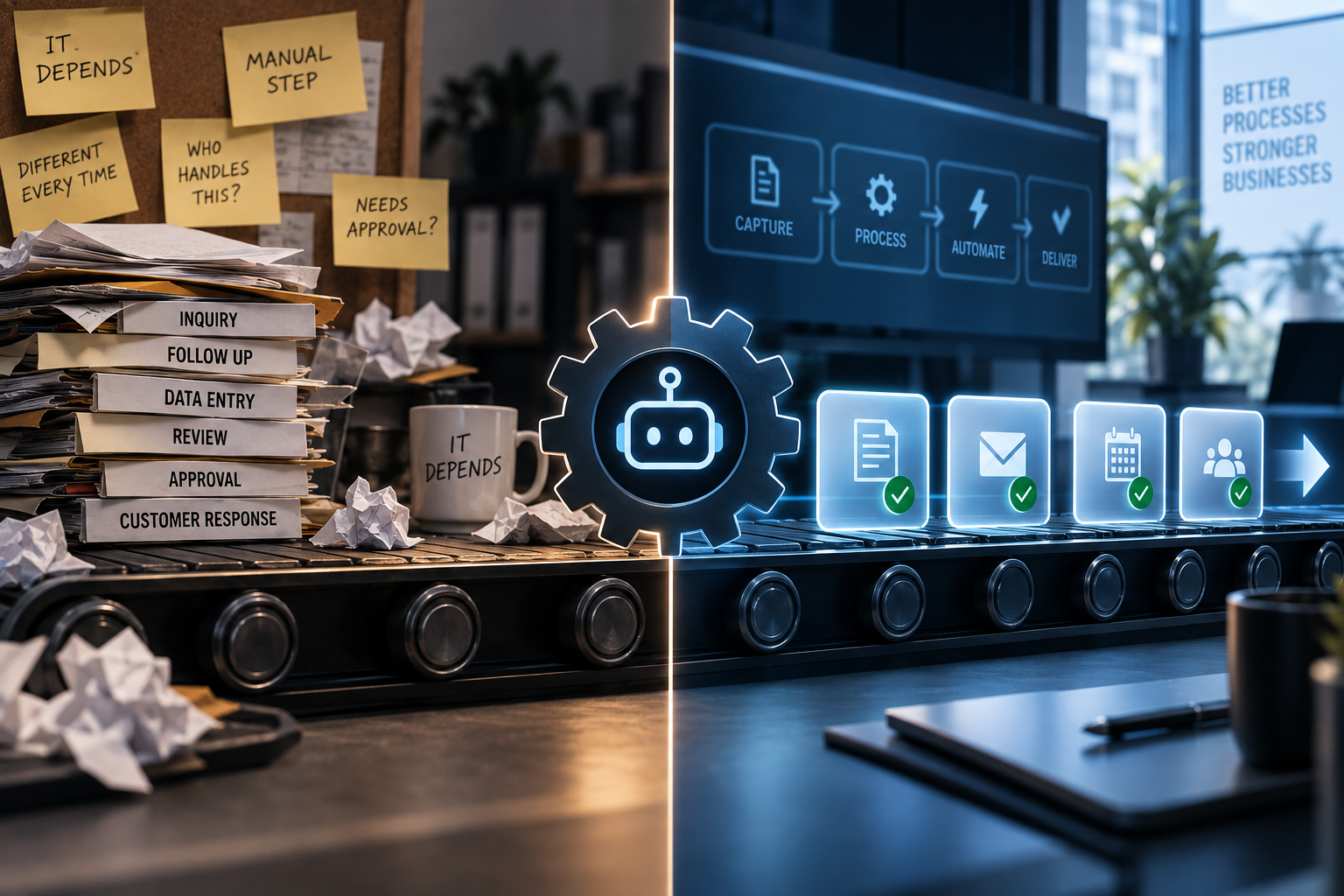
Automation doesn't fix a broken process. It runs the broken process faster, more consistently, and at a scale no human ever could — which means a mistake that used to happen occasionally now happens every single time, to every single customer, before anyone notices. That's the actual risk of "automating your business." Not that it fails. That it succeeds at doing exactly the wrong thing, reliably.
Done right, workflow automation is one of the highest-leverage moves a small business can make. Done without a second thought, it's how a reasonably functional business turns into a business with a very consistent, very fast, very well-documented problem. Here's how to tell the difference before you find out the hard way.
The mistake that breaks everything else
Almost every automation failure we've seen traces back to the same root cause: someone automated a process that was never actually consistent to begin with. If your current process involves the phrase "it depends" more than twice, or if three different people would describe three different versions of "how we handle this," you don't have a process yet. You have a habit. Automating a habit doesn't standardize it — it just picks whichever version happened to be documented and locks everyone into it, exceptions and all.
The 10-step test
Try to describe the workflow you want to automate in 10 steps or fewer, without saying "it depends" once. If you can't, the process needs a redesign pass before it's ready for automation — not after. Organizations that redesign the process first, before automating, reach positive ROI roughly twice as fast as those that automate first and clean up later.
Not every workflow deserves the same amount of trust
The businesses that automate well don't treat every process the same. They sort workflows by two questions: how often does this actually vary, and how bad is it if it goes wrong unsupervised? A newsletter send and a client refund decision are not the same category of risk, even though both are technically "just a workflow."
Safe to Automate Fully
Needs a Human in the Loop
Data entry & transfersMoving information between systems the same way, every time.
Anything customer-facing & irreversibleRefunds, cancellations, anything that can't be quietly undone.
Scheduled reportsPulling the same numbers into the same format on a set cadence.
Anything with judgment callsPricing exceptions, escalations, "is this customer actually upset or just direct."
Reminders & follow-upsNudges that would otherwise just be someone's mental to-do list.
Anything new or low-volumeNot enough past examples yet to know what "normal" looks like.
Formatting & routingSorting, tagging, and directing things to the right place or person.
Anything that shapes what a customer believesLegal, medical, financial, or safety-adjacent claims.
Automation doesn't remove the need for judgment. It just moves the moment judgment has to happen — from during the task to before it.
By the numbers
Here's what the 2025–2026 research says about why automation projects actually stall or backfire.
35%Of automation projects fall short primarily due to weak change management — not the technology itself.
31%Of automation failures trace back to insufficient training on the new workflow, not a flaw in the automation.
Only 4%Of companies have achieved fully end-to-end automated workflows — most successful automation is still hybrid, with a human checkpoint. That's normal, not a failure.
65% vs 55%Small and mid-sized businesses report higher automation success rates than large enterprises — size isn't the advantage people assume it is.
2xCompanies seeing real financial returns from AI are about twice as likely to have redesigned the workflow before automating it.
38%Of abandoned automation and AI projects cite data quality issues as the primary reason — the process was never clean enough to hand off.
Figures are drawn from published 2025–2026 industry research (McKinsey, Gartner, and related automation and workflow studies), cited directionally to show the shape of the trend rather than a guarantee for any specific business.
Signs you've already broken something
- Customers or clients have mentioned something "feels off" or robotic, and nobody's investigated why.
- An exception case got handled the "default" way instead of correctly, and nobody caught it until the customer complained.
- The team quietly built a manual workaround around the automation instead of fixing the automation itself.
- Nobody currently owns checking whether the automated version is actually still doing the right thing, months later.
How to roll it out without breaking anything
- Map the process honestly first, including every "it depends," before you automate a single step of it.
- Start with the lowest-risk, highest-volume workflow — not the most exciting one. Build trust in the system before you hand it anything irreversible.
- Keep one clear human checkpoint at the highest-risk step, even after everything else runs automatically.
- Assign one person to actually check the output on a schedule — weekly at first, less often once it's earned the trust.
- Track the exceptions, not just the successes. The exception rate is what tells you whether it's actually ready to run unsupervised.
The bottom line
The goal was never "automate everything." It's "automate the parts that were already consistent, and keep a human exactly where judgment still matters." Businesses that get this right don't automate less than the ones that get it wrong — they just automate in the right order, on the right processes, with someone still watching the parts that deserve watching. That's not caution slowing you down. It's the entire difference between automation that scales your business and automation that scales your mistakes.
Not sure which of your workflows are actually ready to automate?
Spark AI Strategy maps it before anything gets built — so nothing breaks quietly.
Take the AI Adoption Scorecard